Customized CRM Mapping for a Clean Data Transfer.
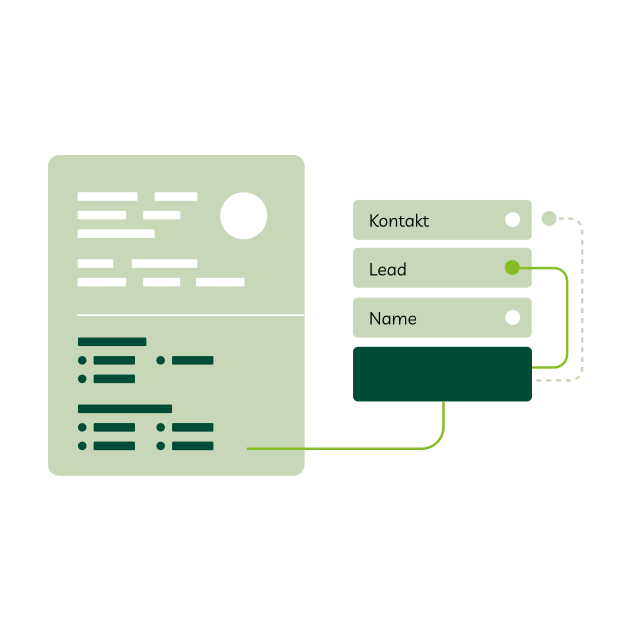
For each CRM system there are standard fields, such as name and e-mail address, which can be automatically synchronized by snapAddy DataAgents into the CRM system or recorded with snapAddy VisitReport in a trade fair report.
A customer-specific mapping is required if individual fields are to be filled. We will set up a suitable CRM mapping together with you.
When is custom CRM mapping necessary?
We recommend individual mapping if...
... you use customized CRM fields in addition to standard fields.
... additional fields are to be integrated into snapAddy DataAgents.
... questionnaires from snapAddy VisitReport are to be linked directly to your CRM.
CRM Mapping for DataAgents and VisitReport.
CRM Mapping with DataAgents.
DataAgents automates workflows in the area of contact data between different applications.
- Integrate fields that do not exist in your CRM standard and therefore cannot be transferred (e.g. position or website)
- Display and enrich specially created CRM fields in DataAgents (e.g. potential evaluation of the lead, ABC analysis of campaigns)
- Link inbound forms on your website with DataAgents and use the data as the basis for a new CRM contact


CRM mapping with VisitReport.
VisitReport is the smart app for digitally recording contact details in visit reports.
- Integrate questions from your questionnaire directly with the respective CRM field, whether single or multiple selection, date, signature, text field or time
Our recommended best-practice solution:
We recommend creating a new entity in the CRM system if you want full integration that is linked to the existing entities. This gives you the option of creating multiple visit reports for a contact person so that you can track the progress of communication with a potential customer across multiple trade fairs.
snapAddy's CRM mapping is available for the following CRM and marketing automation systems:
- MS Dynamics
- Evalanche
- Hubspot
- Marketo
- Pipedrive
- Salesforce
- Sage CRM
- SAP Sales Cloud
- SAP Sales and Service Cloud v2
- Sugar CRM
- Suite CRM
Your custom CRM mapping with snapAddy.

Give us access to your field definitions.
Provide us with the various field definitions from your CRM system. This allows us to get to know the structure and relationships of your CRM fields.

Fill out and then send us your mapping template.
Fill out our mapping template to show which values in the snapAddy products should be mapped to the fields in your personal CRM system.

Try it out.
Test your individual CRM mapping to ensure that data is transferred correctly. This will prepare you for lead capture with DataAgents and VisitReport.