Transfer Contact Data from E-Mail Signatures to the CRM System.

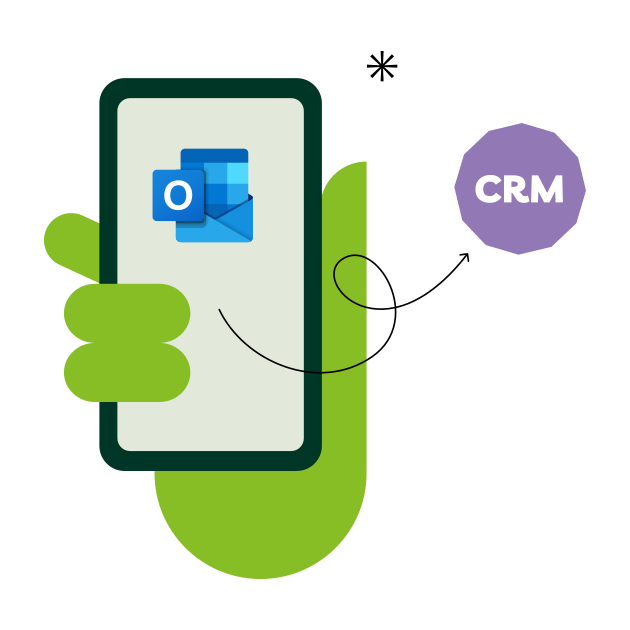
Use the numerous emails that your sales team receives every day as a source of leads: snapAddy LeadResearch transfers the signature data to your CRM system using an Outlook add-in.
How email signatures become valuable leads.
Every day, countless emails land in your inbox - from potential customers, partners and new contacts. And with each of these emails you receive valuable information. But what happens to this data?
In most cases: nothing. Manually enter it into the CRM? Too time-consuming. Use Outlook as a CRM? Not recommended. But Outlook signatures have great potential.
Our DataAgents software transfers email signatures to your CRM system - error-free, quickly and efficiently. This turns your inbox into a continuous source of leads.
How to benefit to the fullest from new leads with snapAddy.
Saving Outlook contacts from emails - directly in the CRM system and not just in the Outlook address book? With snapAddy DataAgents, it's never been easier.
Synchronized email inbox.
Outlook add-in.
CRM integration.
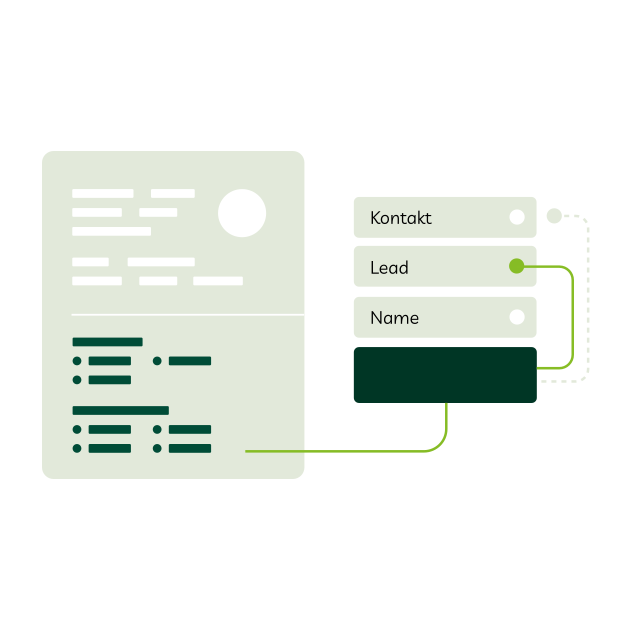
Mapping for Smooth CRM Integration.


Automatic recognition of new B2B leads for your CRM.

New sales opportunities.
By automatically importing email signatures into your CRM system, you can quickly capitalize on potential sales opportunities and turn them into revenue.
Low manual effort.
LeadResearch from snapAddy automatically transfers e-mail signatures to your CRM system. Contact data from emails no longer has to be transferred using copy & paste.

No duplicates.
By integrating LeadResearch with your CRM system, new e-mail signatures are directly matched with your existing contact data. This permanently avoids duplicates.
LeadResearch at a glance.
With LeadResearch, you can easily find and update B2B contact data - from email signatures to other online sources. With just one click, the data ends up in your CRM so that you always have access to up-to-date information and can optimize your sales. For maximum efficiency, DataAgents takes care of contact research and data maintenance automatically. This saves you valuable time and allows you to concentrate fully on sales.
Whether acquiring new customers or updating data - with DataAgents from snapAddy you always have the right contacts to hand.
Interested?
Try for FreeCertified IT Security for Your Data.
Our robust and efficient IT security management is ISO 27001-certified and offers you the highest level of data security. This guarantees even companies with the strictest compliance requirements that their data is protected in accordance with international security standards - for maximum transparency and trust.
Got questions?
We're also happy to address any specific questions you may have. Schedule an appointment and get to know our solutions better.
Using artificial intelligence (AI), we have trained our LeadResearch software with known signature patterns. This means that it only scans the emails until the known pattern of a signature (usually the email contact data at the bottom of an email) is recognized and read. Your emails are therefore only stored in the working memory for the moment of processing and are then discarded.
Certain sender domains can also be excluded from processing. Each snapAddy LeadResearch user can decide individually whether they want to link their e-mail inbox.
At snapAddy, your data is handled in compliance with the GDPR. To ensure this, we and our customers sign a data processing agreement (DPA). We are also ISO 27001-certified and act in accordance with their requirements for information security systems (ISMS).
Find out more about security & data protection here.
With just one click, you can save the new contact from LeadResearch in your CRM system. Alternatively, you also have the option "Save and open CRM system" so that you can work with the new contact directly in your CRM system.
The prerequisite for this is integration into your CRM system. You can see which CRM systems are supported here. DataQuality therefore acts as an Outlook-CRM interface.
Find out more in our Knowledge Base.
No. To increase quality, only plausible e-mails are converted into a contact suggestion. This means you can only save the Outlook contact that you really need. The criteria for this are, for example, that the email address in the signature matches the sender address.